 MainVac
Your remote apps, anywhere —
best on your phone.
Keep going. It’s in your hands.
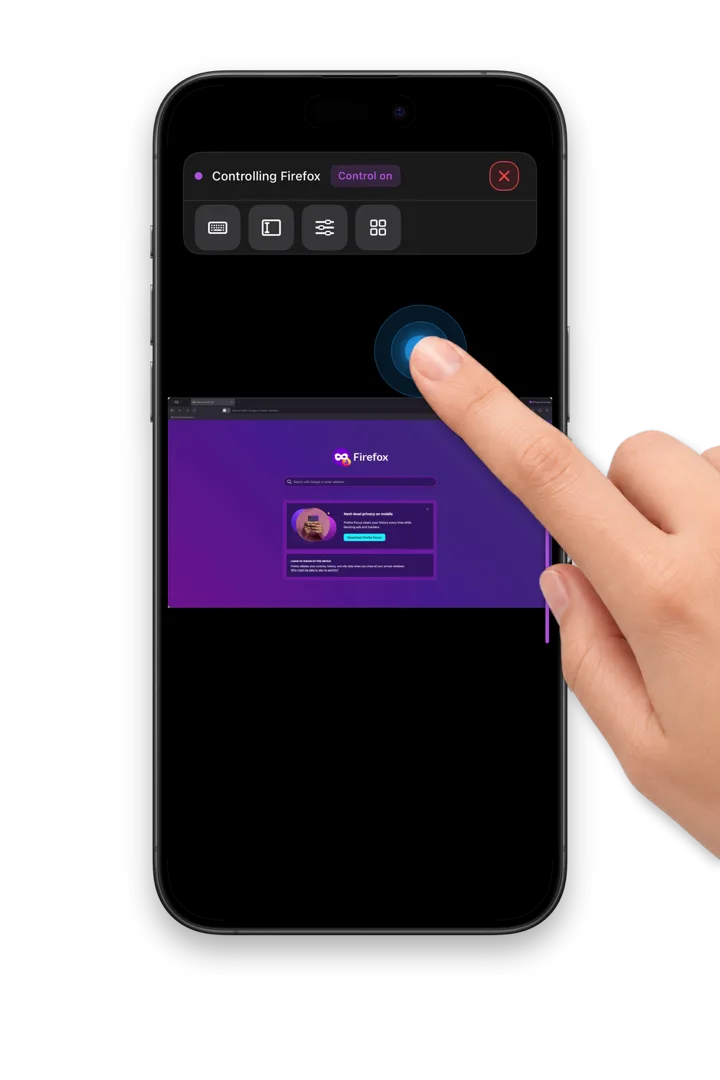
Can’t preview or control the apps and tasks running remotely? MainVac is built for remote work in the AI era: it puts the app window you choose right in your hands. Tap, swipe, zoom and type with the most intuitive controls — let MainVac be your right hand.
macOS 14+, Apple silicon
What MainVac helps you do
Test AI builds on your phone
Steer your AI agent’s work remotely, then preview and verify the result on your phone. No idle time wasted — keep the AI building.
Remote work
Leave your work computer safely at the office. Your phone covers everyday work, remotely.
Remote assistance
Help without worrying about privacy. Access is limited to one app window, so assistance never oversteps.
Built for the small screen
Choose the window to control
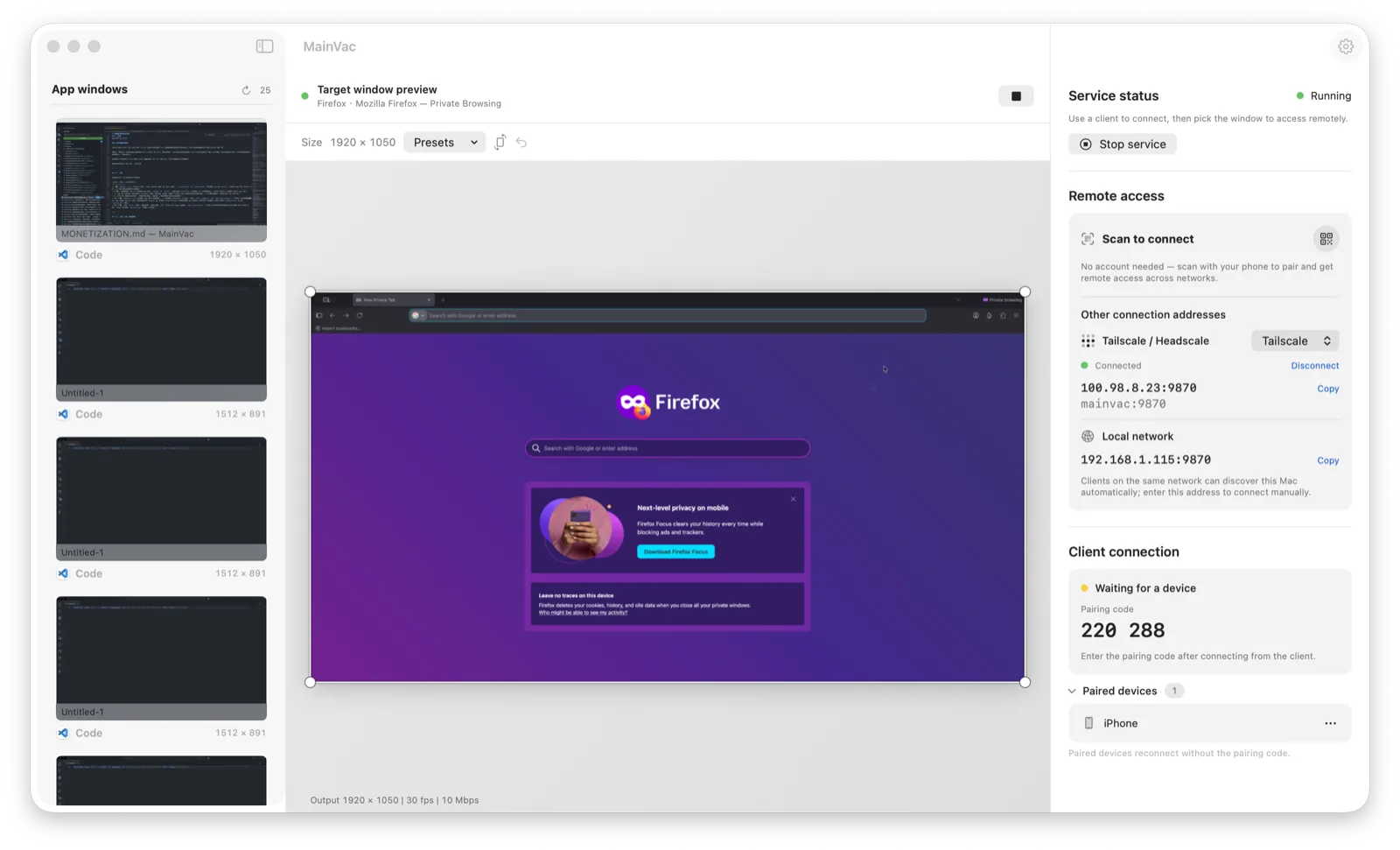
On your computer, choose an app window, then adjust the scale or crop to fit your phone’s screen. You can also launch and switch apps on the remote computer from your phone.
The most intuitive controls
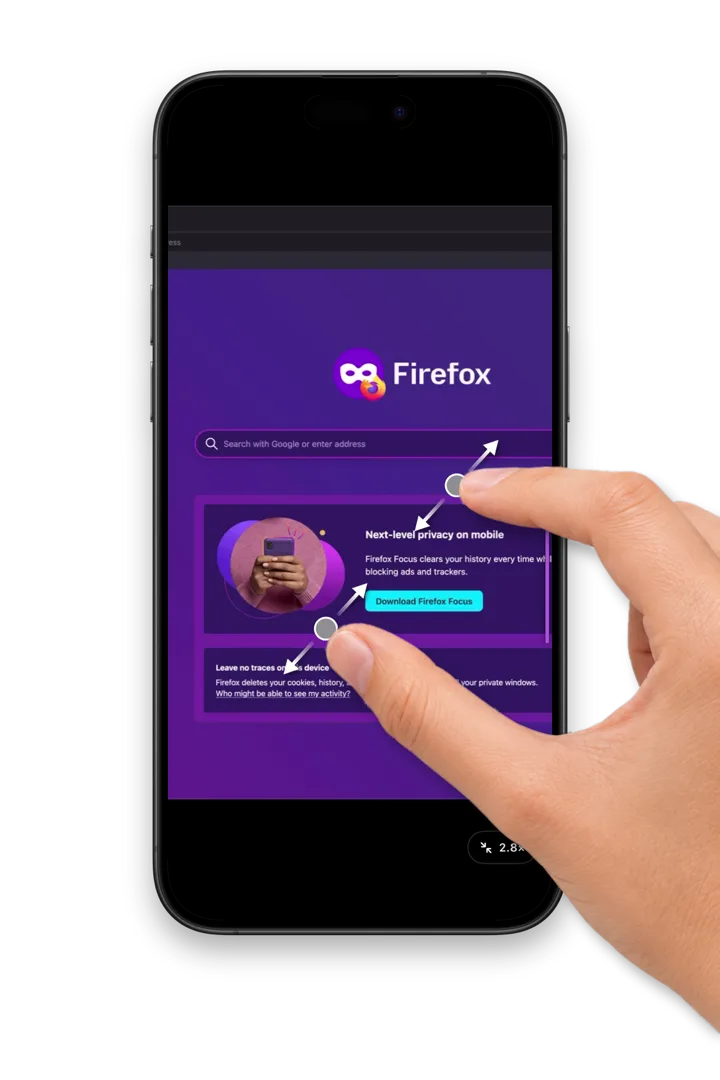
No more chasing a mouse pointer on your phone. Every gesture is designed for a better remote experience.
- Tap to click, long-press to right-click, swipe to scroll
- Pinch to zoom, drag with two fingers to look around
- Made for the iOS and Android simulators on your computer
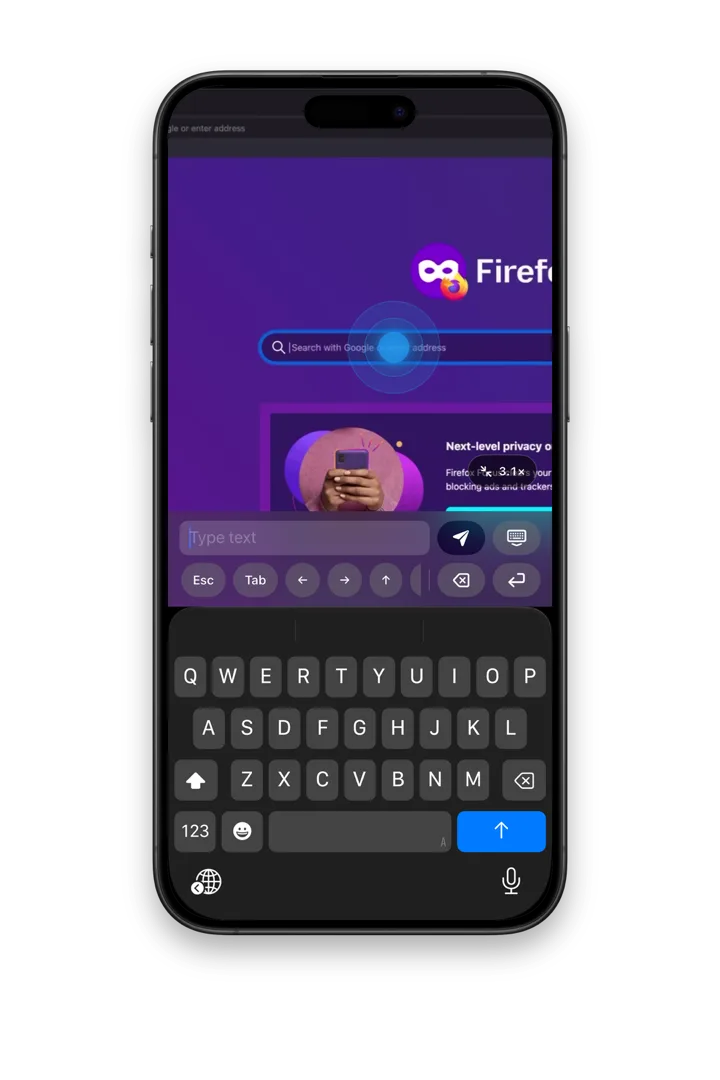
Type and edit text
Tap a text field and type with your phone’s keyboard; double-tap to select. Extra keys — Esc Tab and arrows — help with editing, and each app gets its own shortcut buttons, set up on your computer.
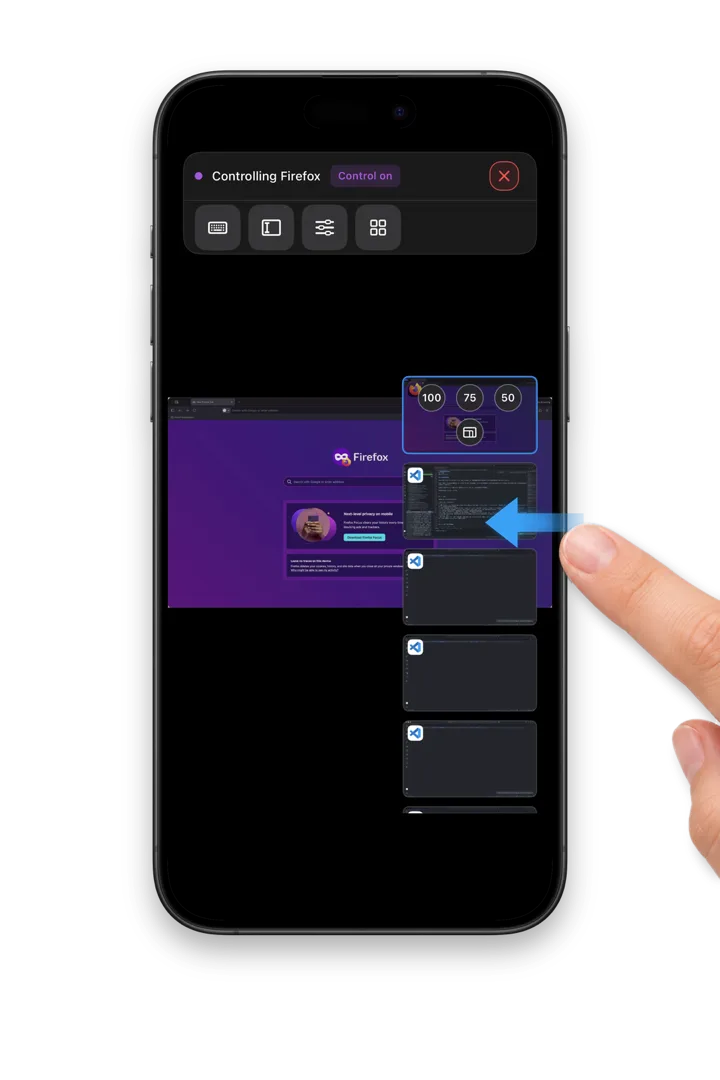
Switch windows, launch apps
Swipe in from the right edge to open the window bar and jump between apps. Launch an app on your computer remotely and it’s on screen right away.
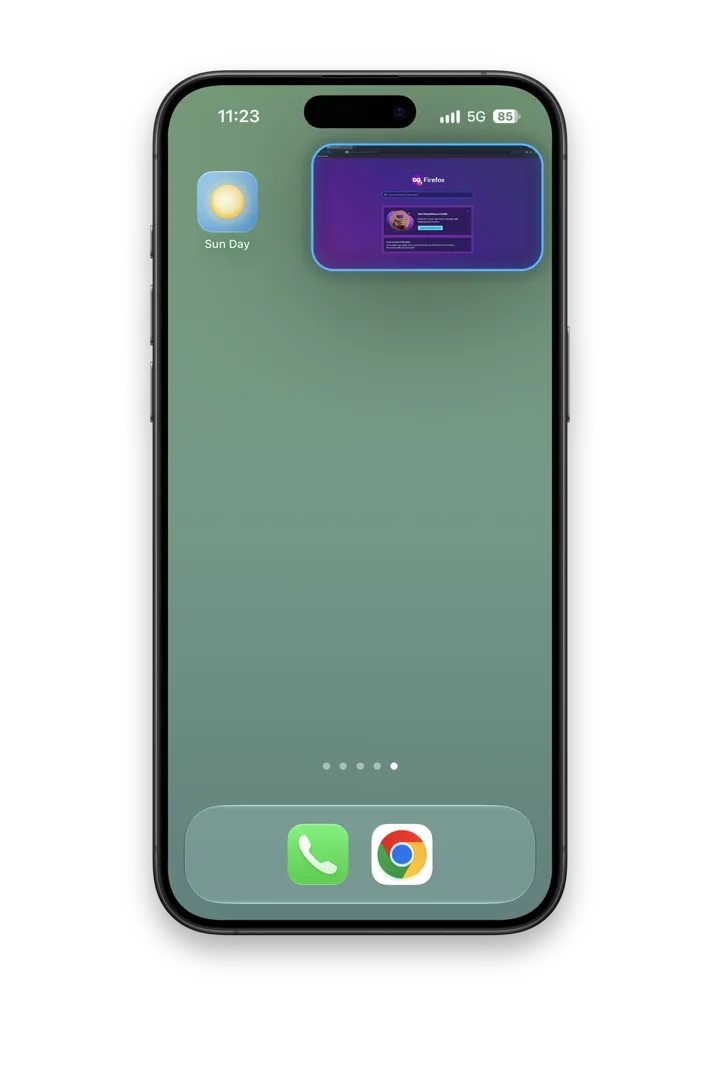
Keep it in sight
Switch to another app or go to the Home Screen — the window stays on screen in Picture in Picture, ready when you come back.
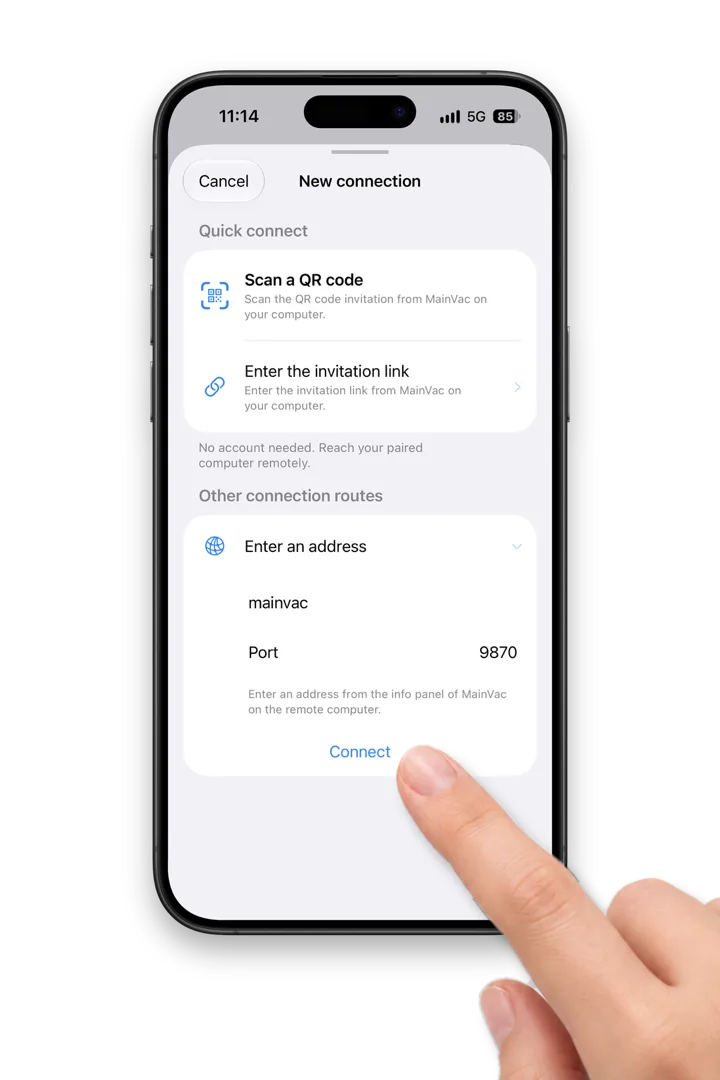
Connect your way
Pick what fits your network. Every connection puts security and privacy first.
- Quick Connect — scan the QR code on your computer; works across networks
- Local network — nearby computers show up automatically, or enter an address
- Tailscale — built into MainVac on the computer; use the Tailscale app on your phone
Private by design
End-to-end encrypted
MainVac runs no servers in between. Remote connections and everything they carry are encrypted.
You set the permissions
View only, or full control? Fine-grained permissions fit whatever you need.
Screen privacy mode
Set a privacy password and turn on privacy mode — even while you work remotely, what’s on the computer’s screen stays private.
Questions
How do I get started?
Download and install MainVac on your Mac and turn on the service. Then get MainVac from the App Store or Google Play on your phone or tablet, and scan the QR code to connect to your computer.
Do I need an account?
No. Quick Connect needs no account. Only Tailscale networking requires signing up with that third-party service.
Is MainVac safe and reliable?
Every MainVac connection and all the data it carries are encrypted. Reliable permission controls let you decide how much a remote device can view and control. MainVac runs no relay service and collects no personal information.